

Registration and Account in nmrXiv
Before you submit data to nmrXiv, you need an nmrXiv account.
Create a new account
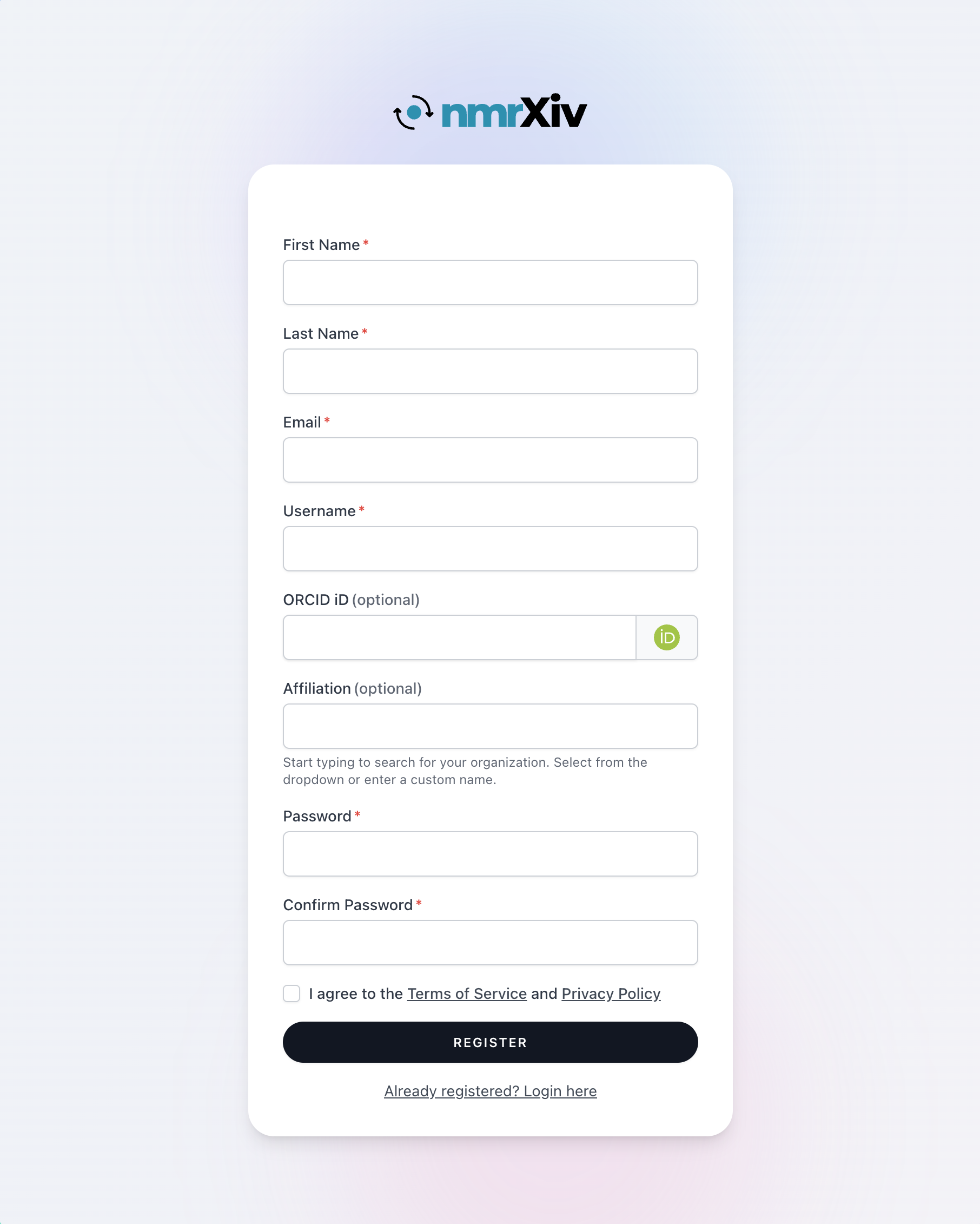
- Open nmrXiv.
- Click Register.
- Fill in the registration form.
- (Optional) Use the ORCID button to fetch your ORCID details.
- Accept the Terms of Service and Privacy Policy.
- Click REGISTER.
Verify your email
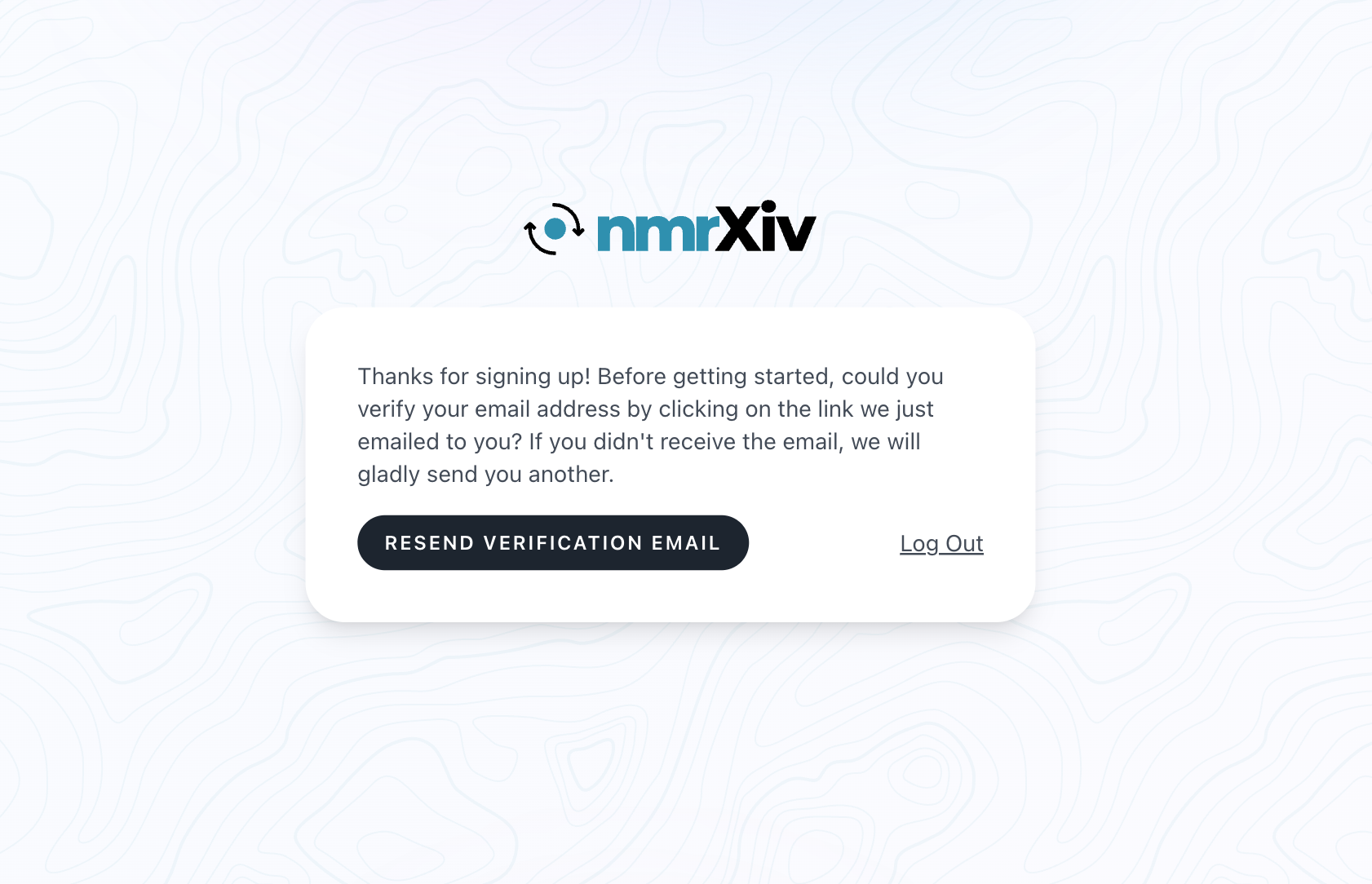
After registration, nmrXiv asks you to verify your email address.
- Open your email inbox.
- Find the verification email from nmrXiv.
- Click Verify Email Address in that email.
- If you did not receive the email, click RESEND VERIFICATION EMAIL.
Login with email and password
After your email is verified, you can log in with your nmrXiv credentials.
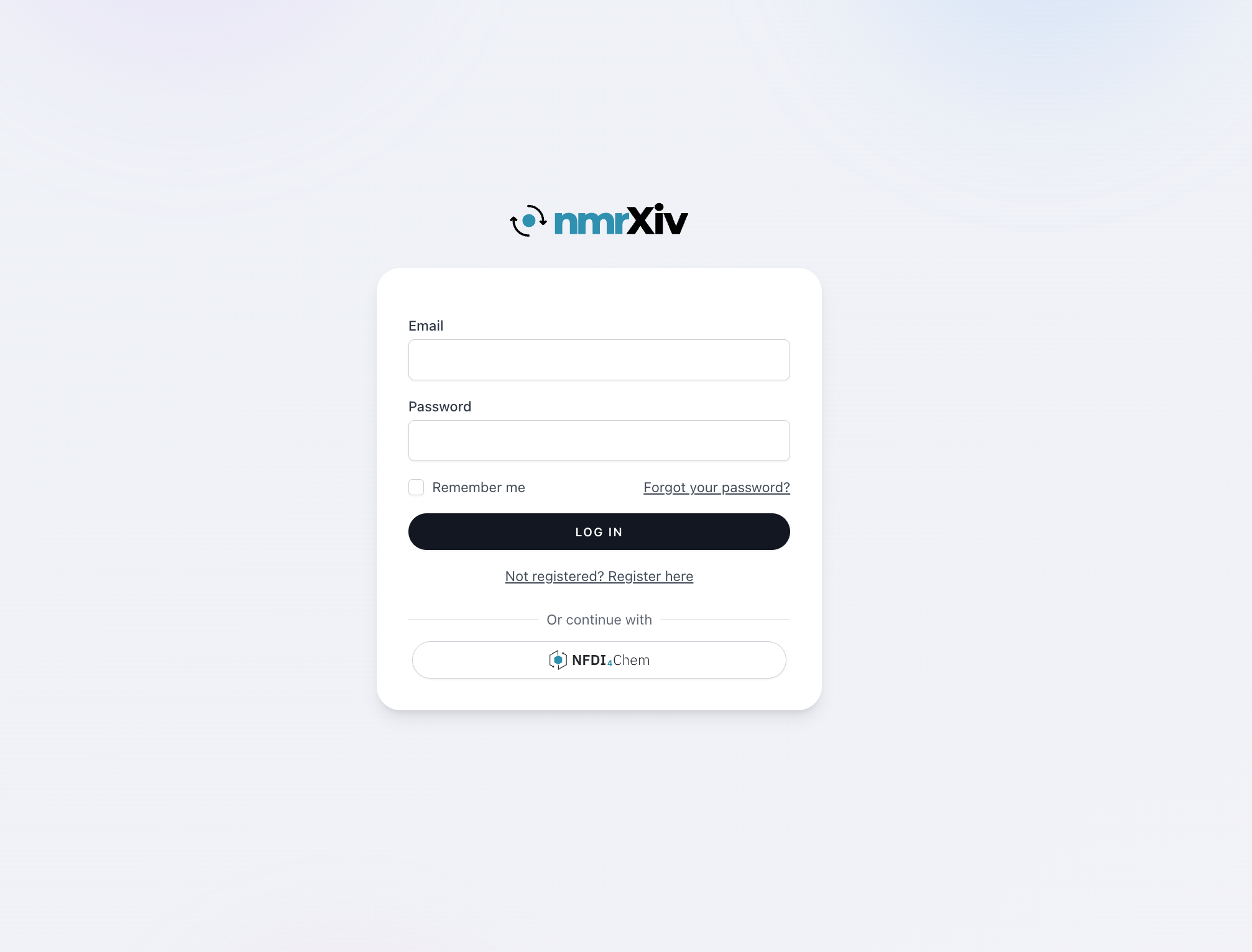
- Go to the login page.
- Enter your email and password.
- Click LOG IN.
Forgot password
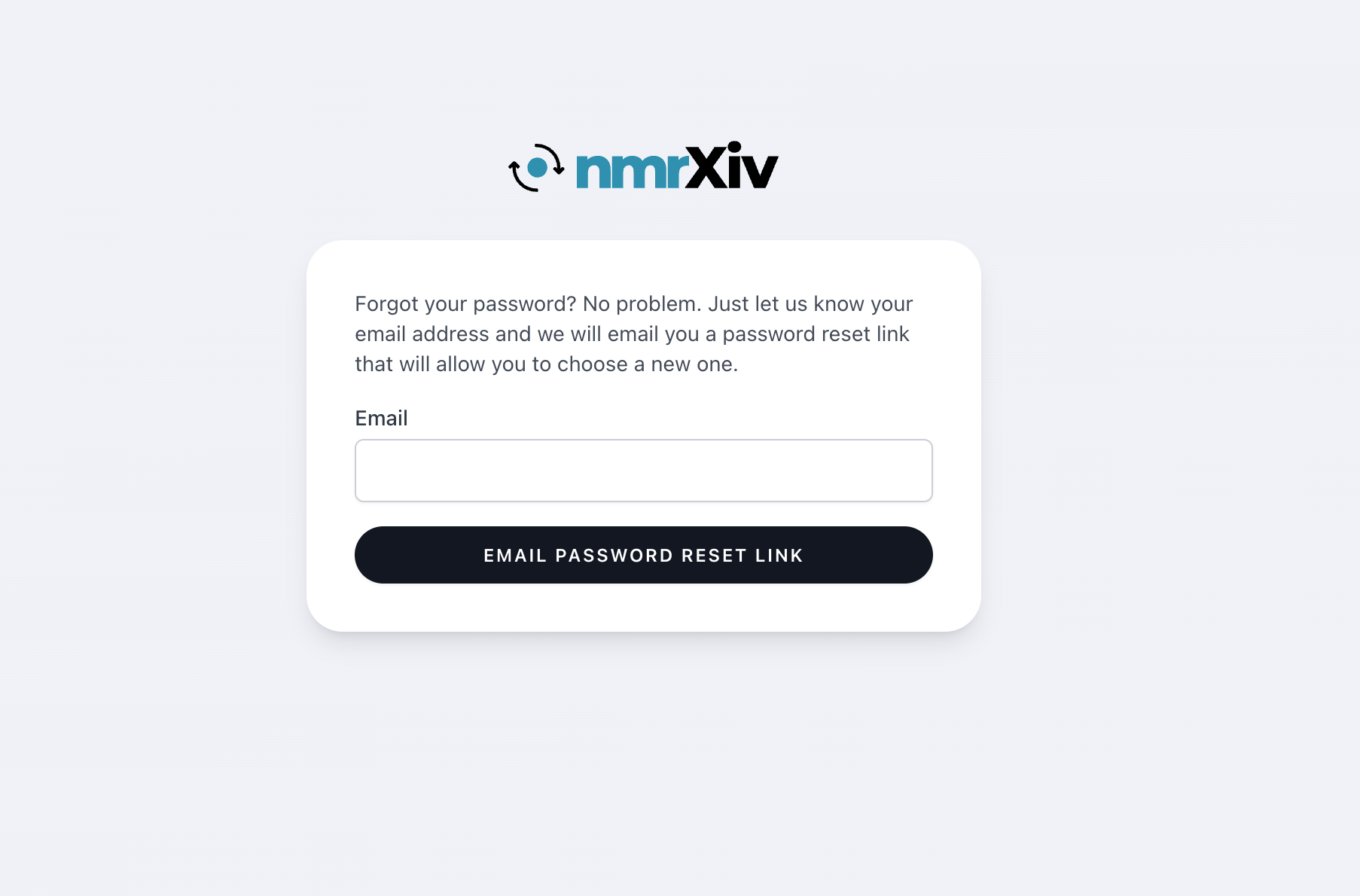
If you forgot your password, you can reset it from the login page.
- Open the login page.
- Click Forgot your password?.
- Enter your account email address.
- Click EMAIL PASSWORD RESET LINK.
- Open the reset email and follow the link to set a new password.
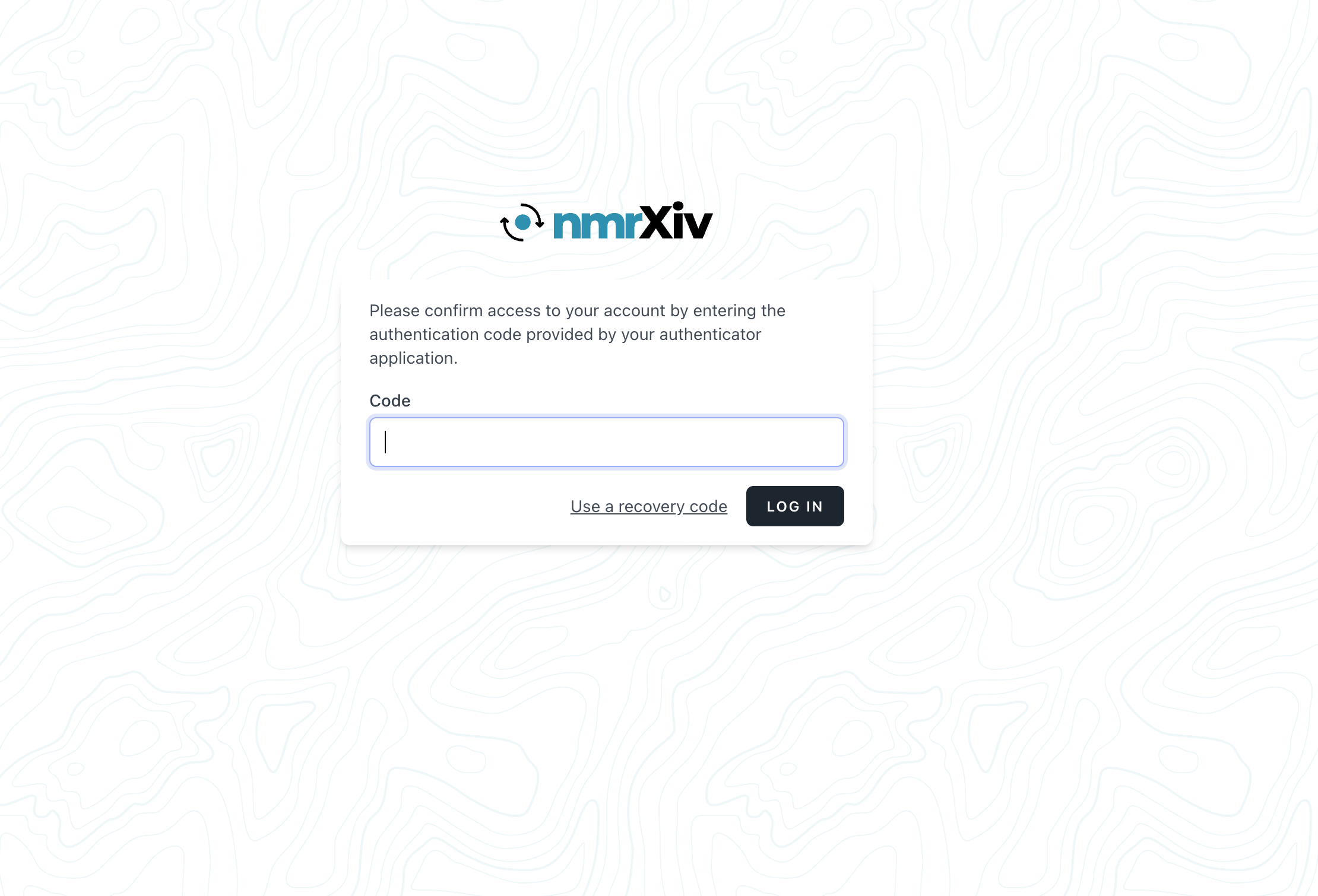
If your account has two-factor authentication enabled, enter the code from a compatible authenticator app and click LOG IN. nmrXiv uses a standard authenticator app–based login flow. Google Authenticator is supported, and other compatible apps, such as Microsoft Authenticator, Authy, 1Password, or similar authenticator apps, should also work.
Access your account settings
After login, you can open your account settings from the top-right user menu.
- Click your name in the top-right corner.
- In the dropdown menu, under Manage Account, click Account.
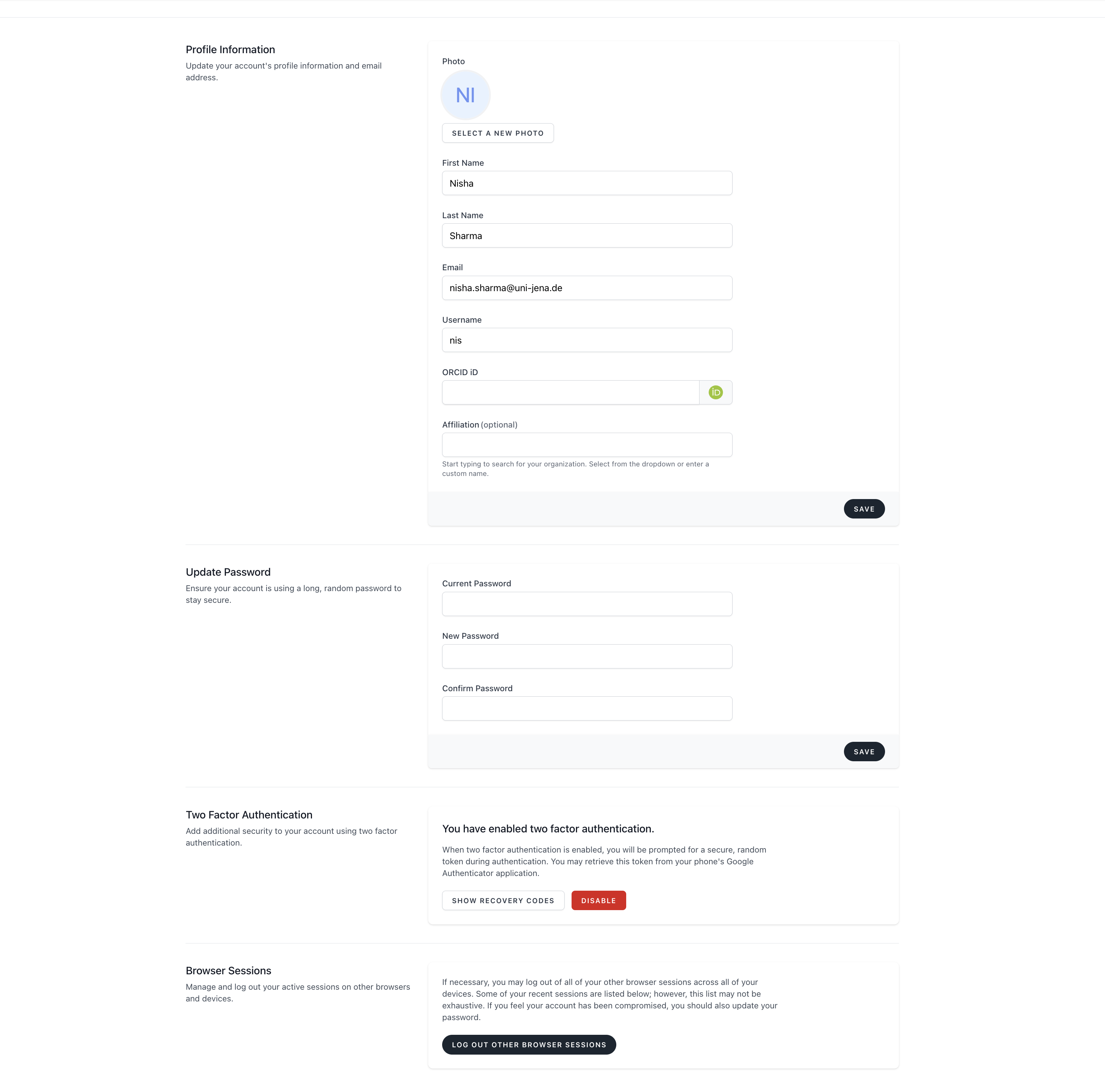
In the Account page, you can manage your user settings and security options.
- Update profile information (name, email, profile photo, affiliation, ORCID, and related profile fields).
- Change your password.
- Enable, confirm, or disable two-factor authentication.
- View and log out other active browser sessions.
Login/Register with NFDI AAI (Single Sign-On)
You can also log in using NFDI AAI from the same login page.
- Open the nmrXiv login page.
- Click the NFDI4Chem button.
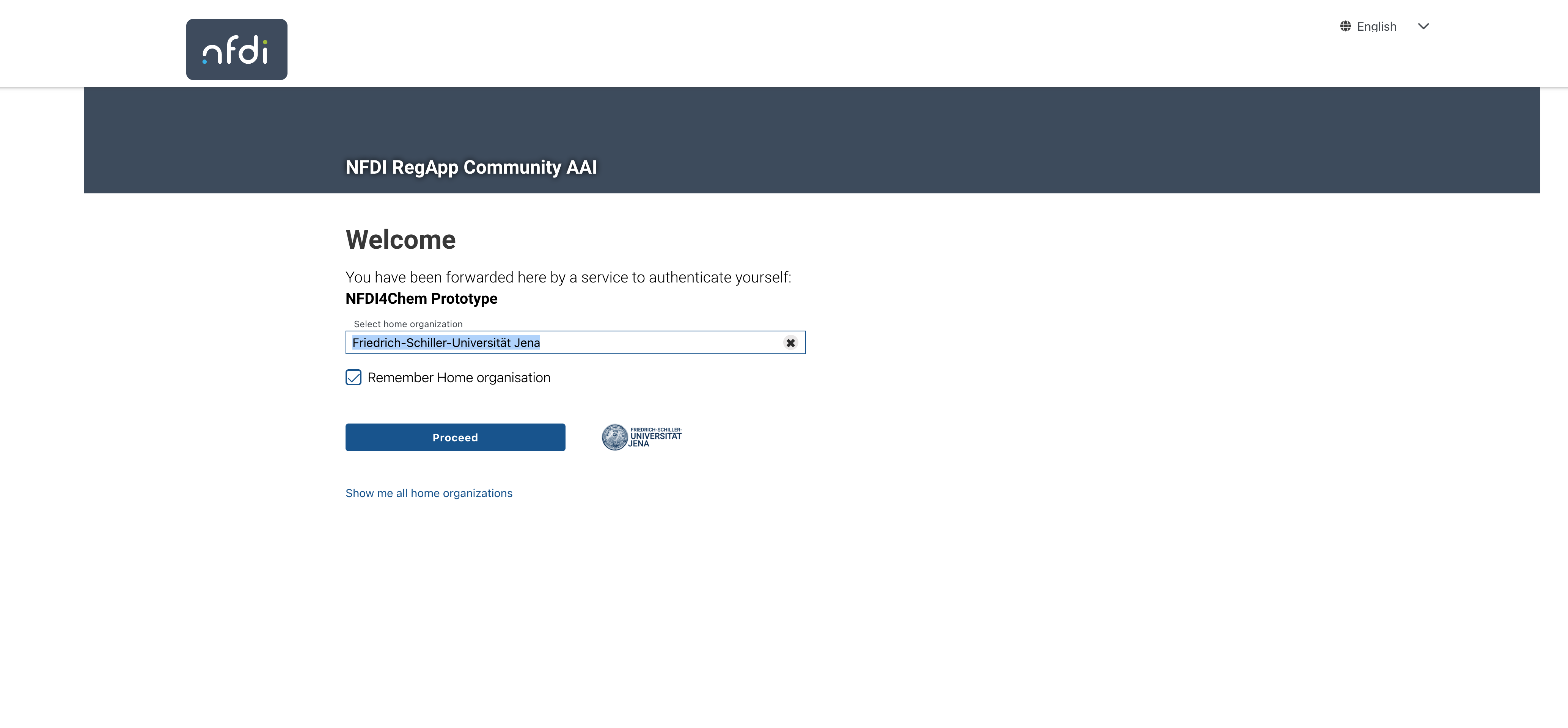
- You will be redirected to the NFDI AAI page.
- Select your home organization and click Proceed.
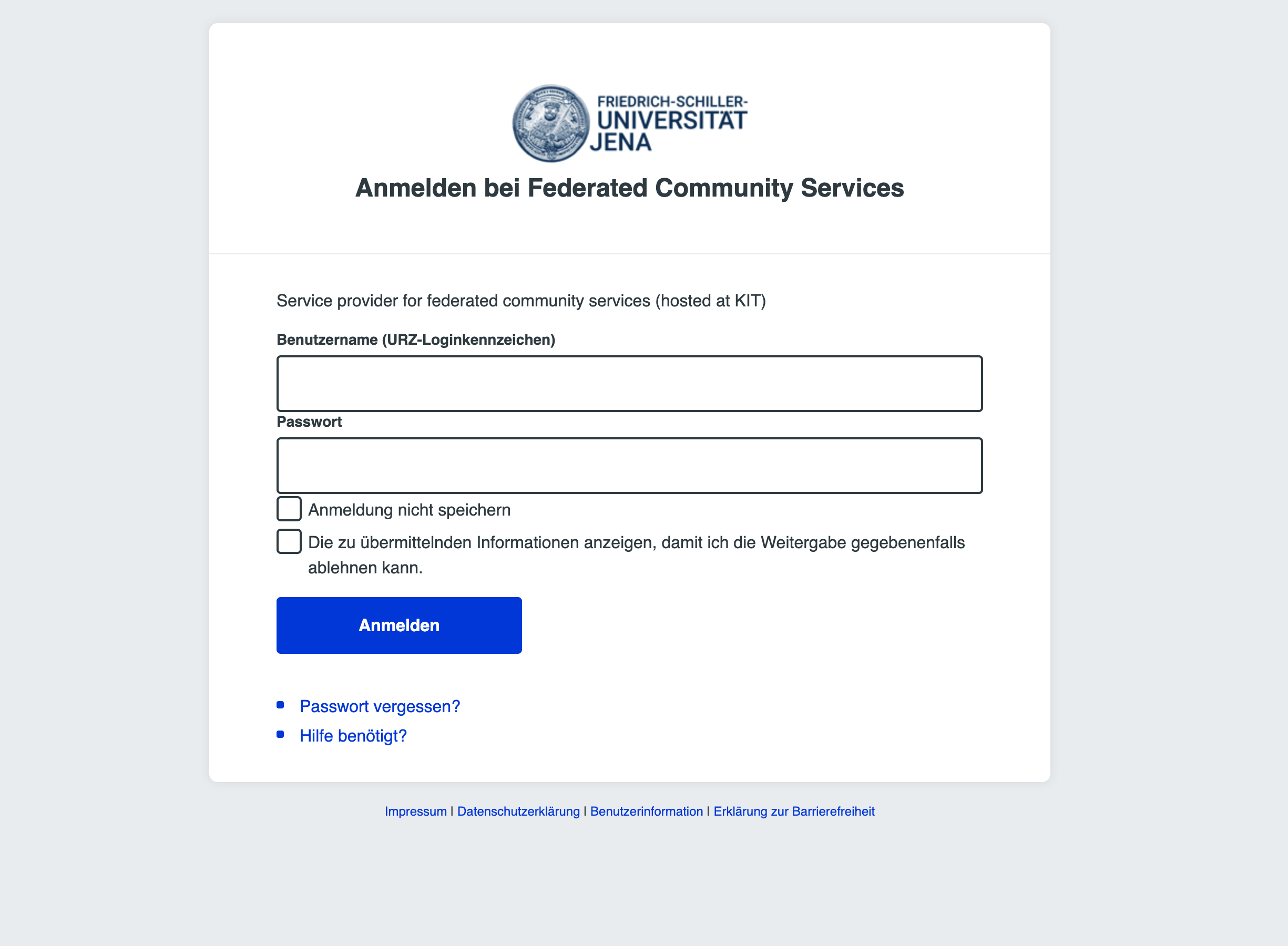
- Sign in on your institution login page.
- After successful authentication, you are redirected back to nmrXiv.
Notes:
- On first SSO login, nmrXiv can create your account automatically.
- On later logins, your same account is reused.
- Your identity provider must share your name and email with nmrXiv.
You are now ready to use nmrXiv!
Important: Account Deletion Policy
Users cannot delete their nmrXiv account by themselves.
If you want your account to be deleted, please contact us at:
This process is handled manually to protect data integrity and traceability in the repository, especially when accounts are connected to submissions, shared resources, or published records.